Bonus: Cat photography basics
1. Which lens should I use?
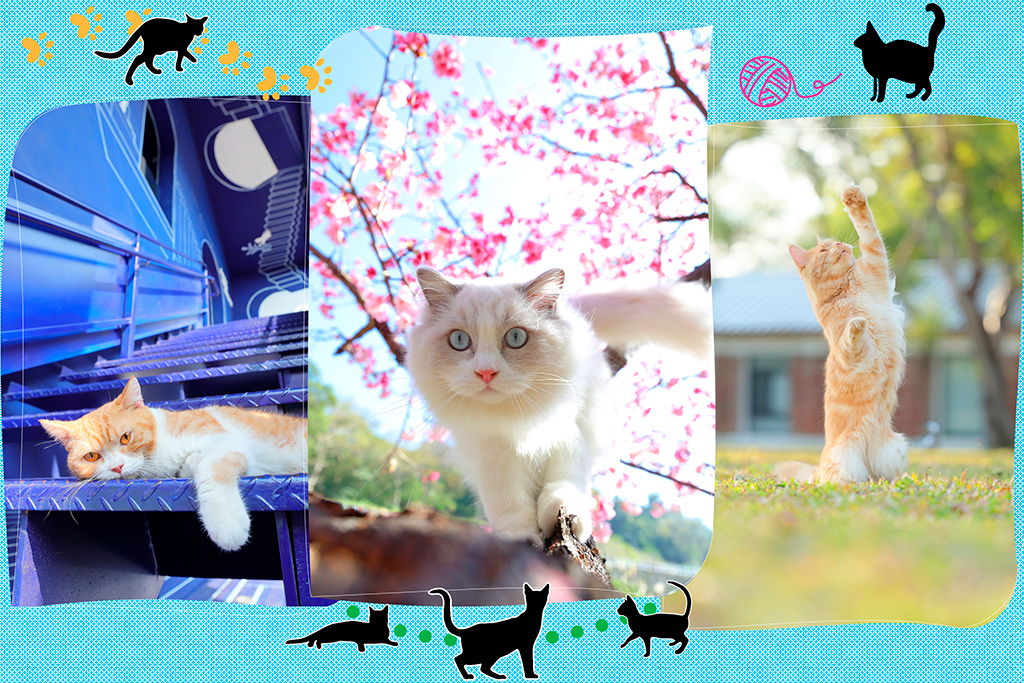
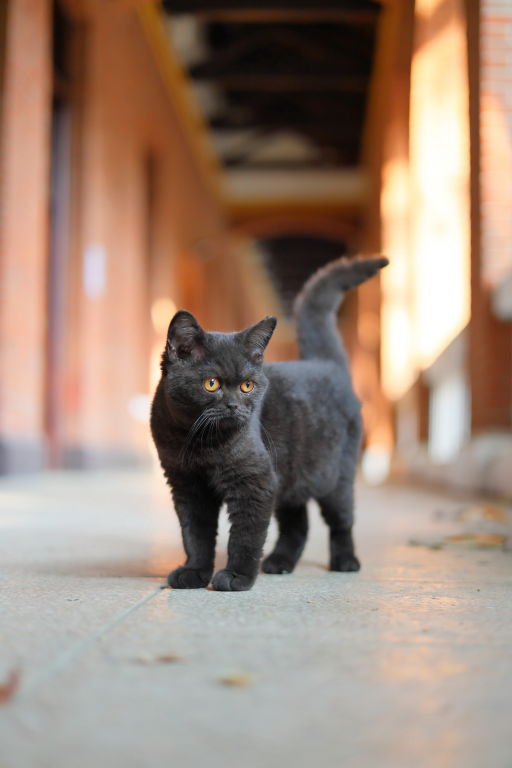
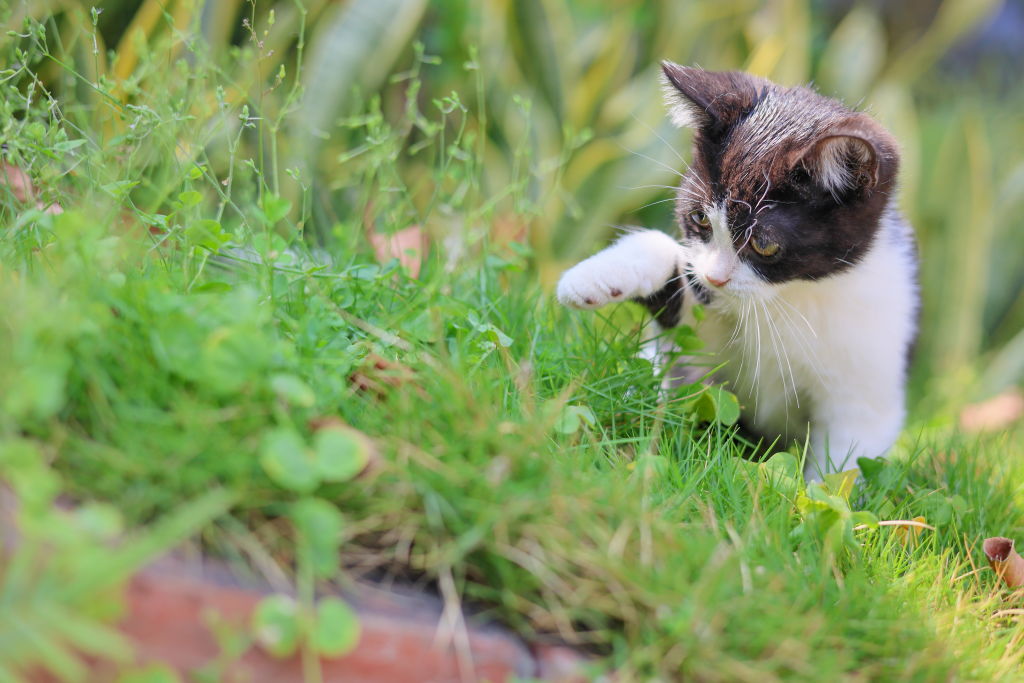
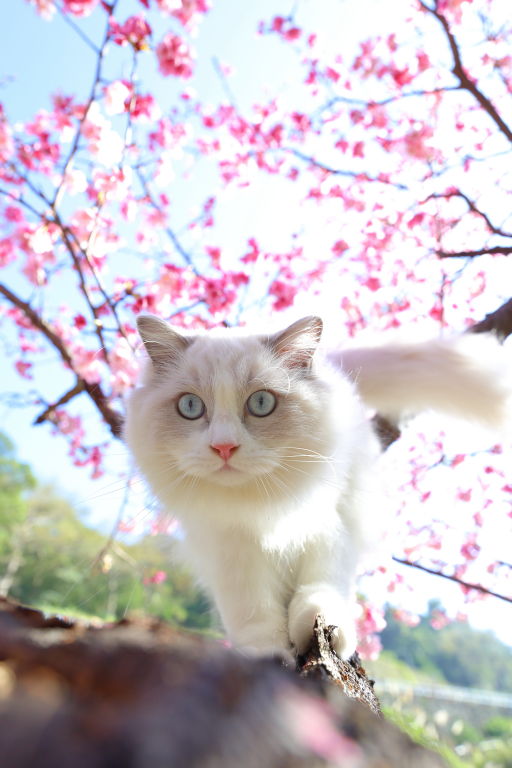
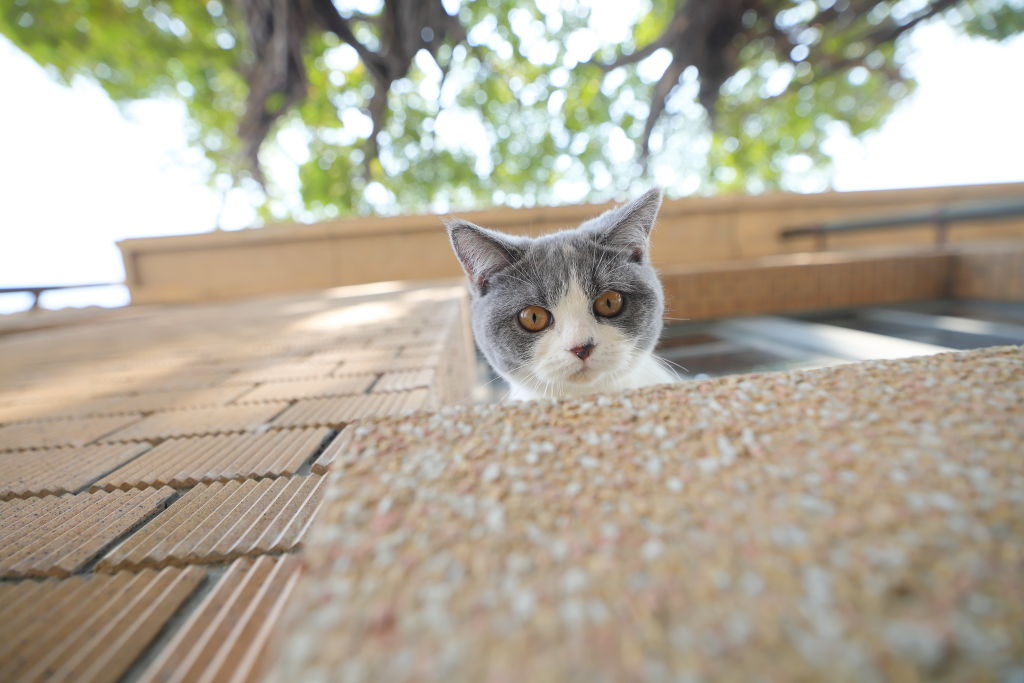
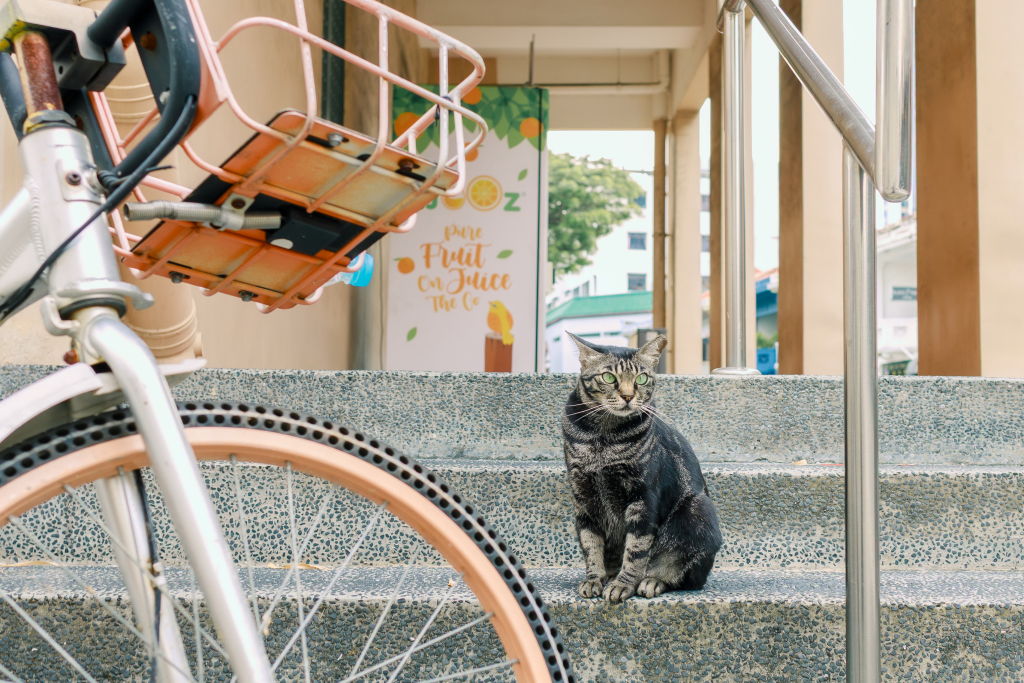
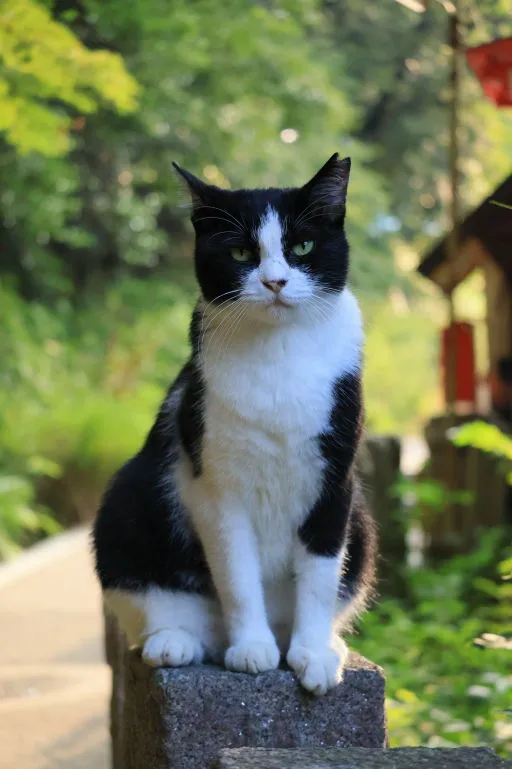
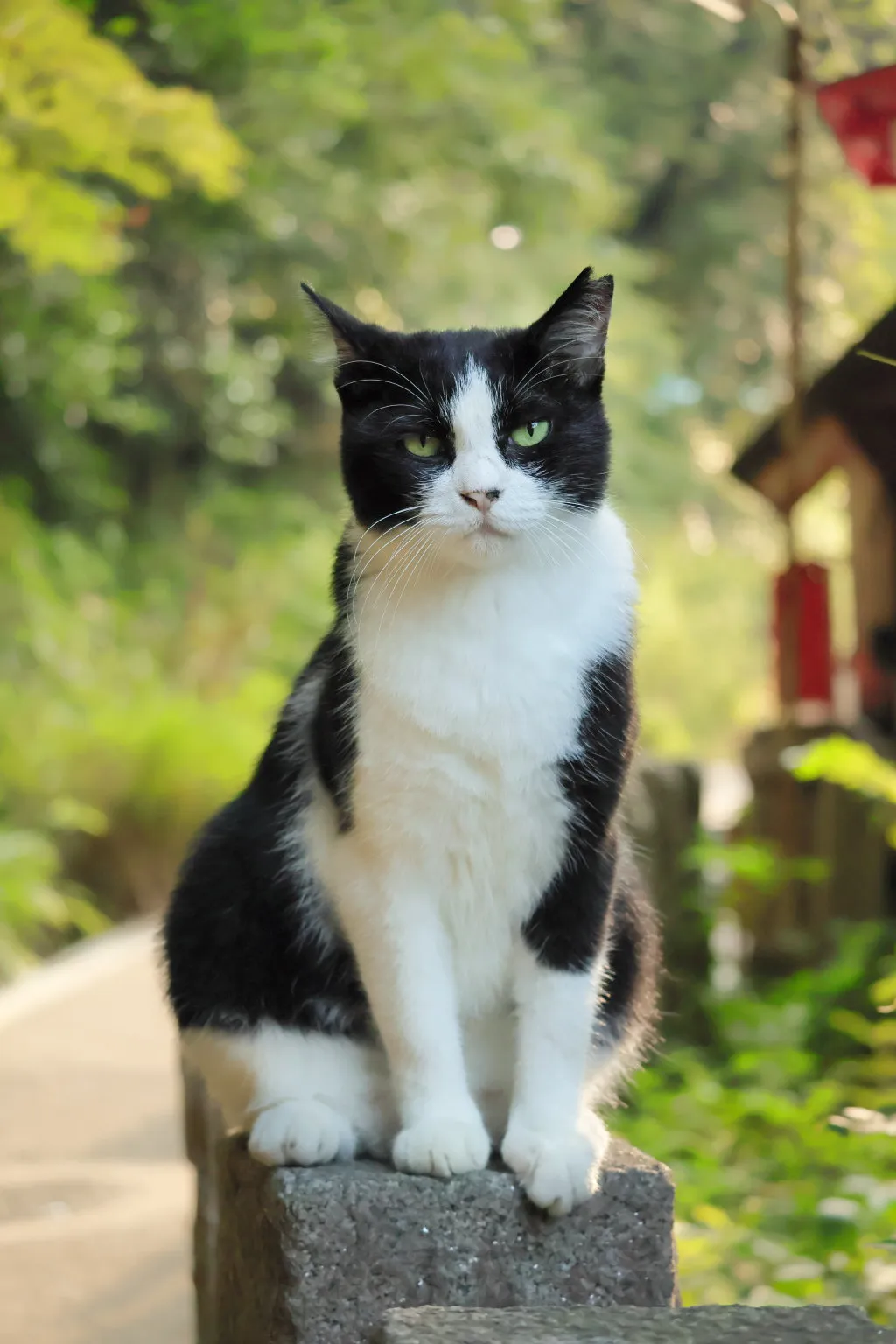
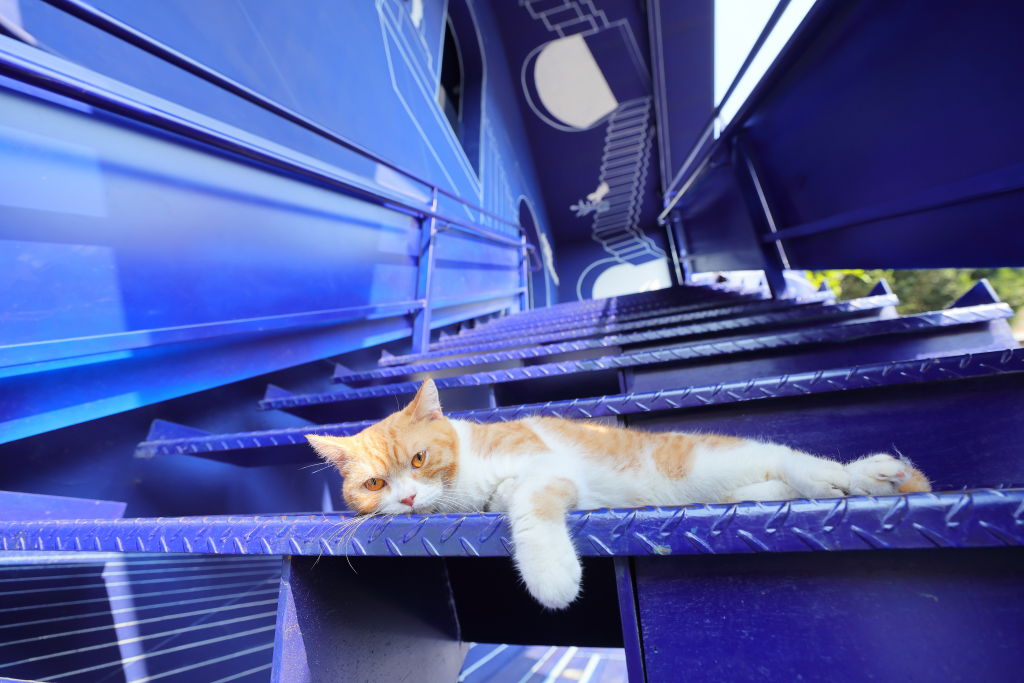
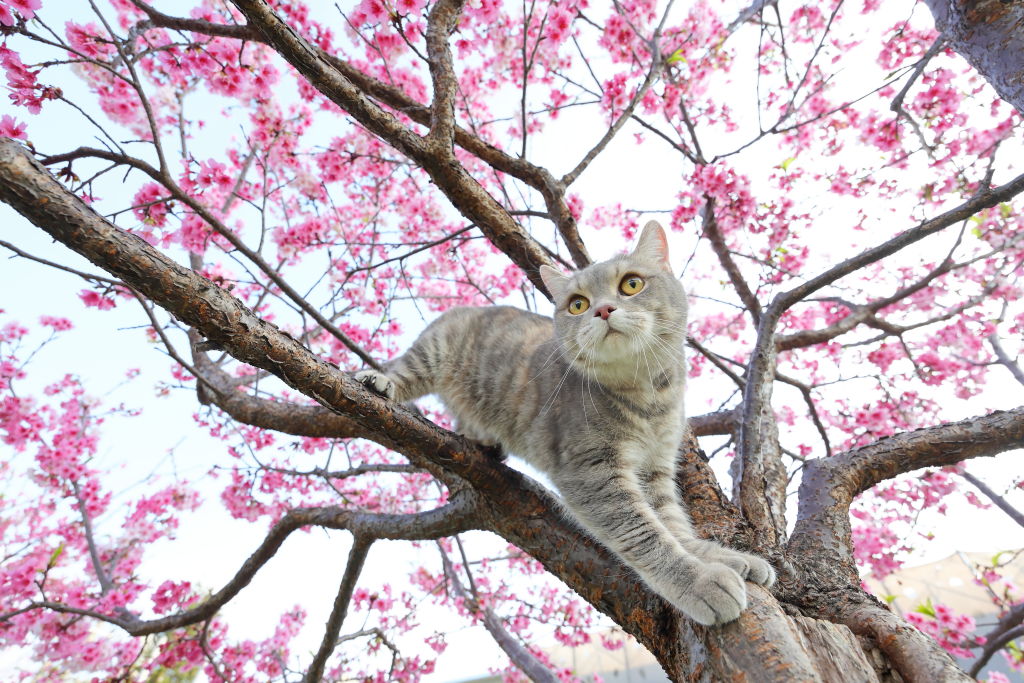
The images in this article were captured with a variety of lenses, so ultimately, it really is about how close the cat allows you to get and the kind of picture you want to achieve. Respecting the cat’s space takes priority! If you’re photographing strays or an unfamiliar cat, it’s good to start with a telephoto lens for closeups, and around 50mm if you want to show more of the environment.
Also see:
Expert Shares: Tips & Techniques for Unique Cat Photos
4 Lens Concepts to Revolutionise Your Photos
2. What camera functions should I enable?
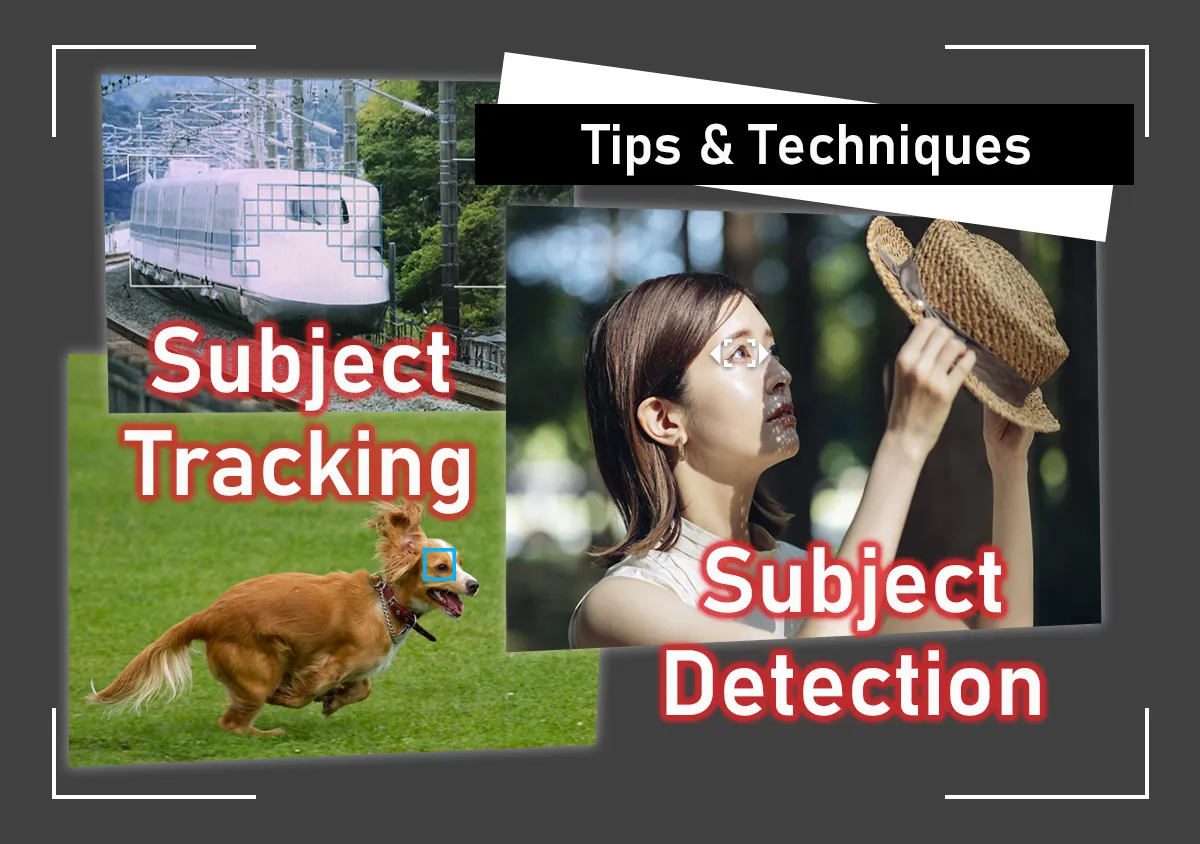
In the AF menu, make sure the following are enabled:
- AF operation: Servo AF
- Subject to detect: Animals
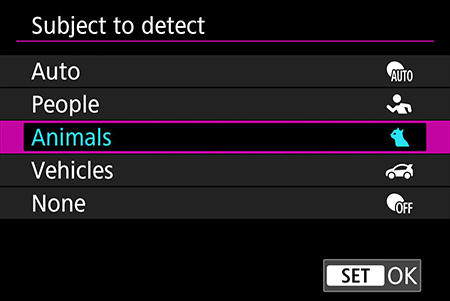
- Eye Detection
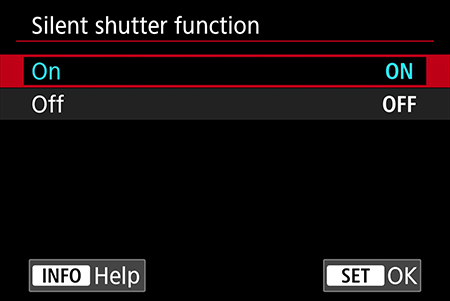
These settings will enable the camera to detect and focus on the cat, including its eyes, and track it even if it moves. Shooting in silent shutter mode helps, too.
3. What exposure settings should I use?
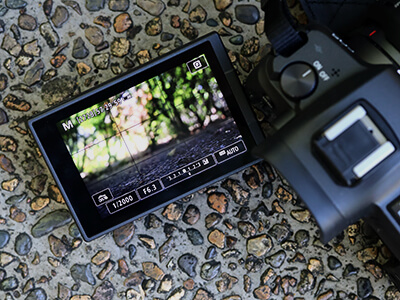
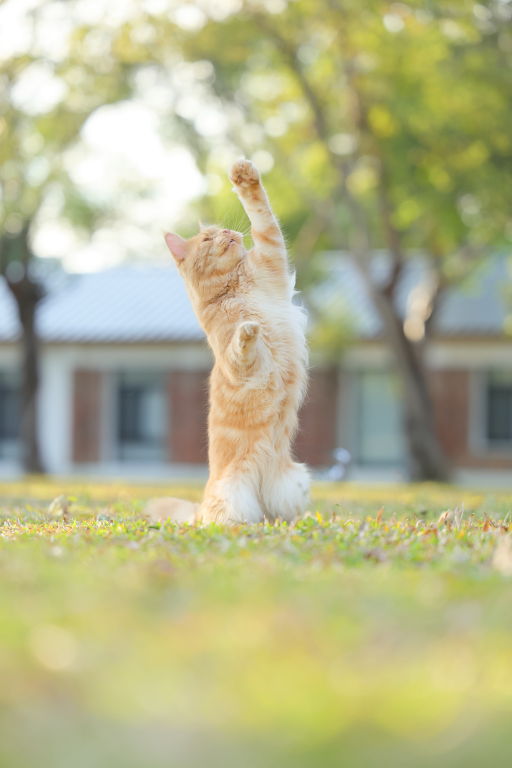
The ideal shutter speed depends on how active the cat is. Cats are unpredictable, so generally you’ll want to use a shutter speed of around 1/500 seconds to freeze them in action. If the cat is playing or being very active, use a shutter speed that’s even faster: try around 1/1000 seconds. If the cat is sleeping, or if you’re very sure it’s not going to move at all, you can go slower than 1/500 seconds if necessary.
Your aperture setting depends on how much background blur you want.
- If background blur isn’t a priority: Match the aperture setting and ISO speed to the shutter speed you’re using. Feel free to use Shutter-priority AE mode to balance out the settings more quickly!
- If background blur is a priority: Two options
a) Use Aperture-priority AE mode and set the lowest f-stop possible. Ideal for bright places; the shutter speed might become too slow in low light situations.
b) Use Manual exposure mode and ISO Auto. Set the f-stop and shutter speed as desired.




Join the Conversation