Camera FAQ: What is Servo AF?
Beginner
Find out why you should use Servo AF for photographing moving subjects.



- 0
- 0
- 0
Find out why you should use Servo AF for photographing moving subjects.
Besides the default One Shot AF mode on your mirrorless camera, you probably will have noticed another AF drive mode: Servo AF. Simply put, this is the mode that you should use for photographing moving subjects. Read on to find out why! (Reported by: Kazuo Nakahara, Digital Camera Magazine)
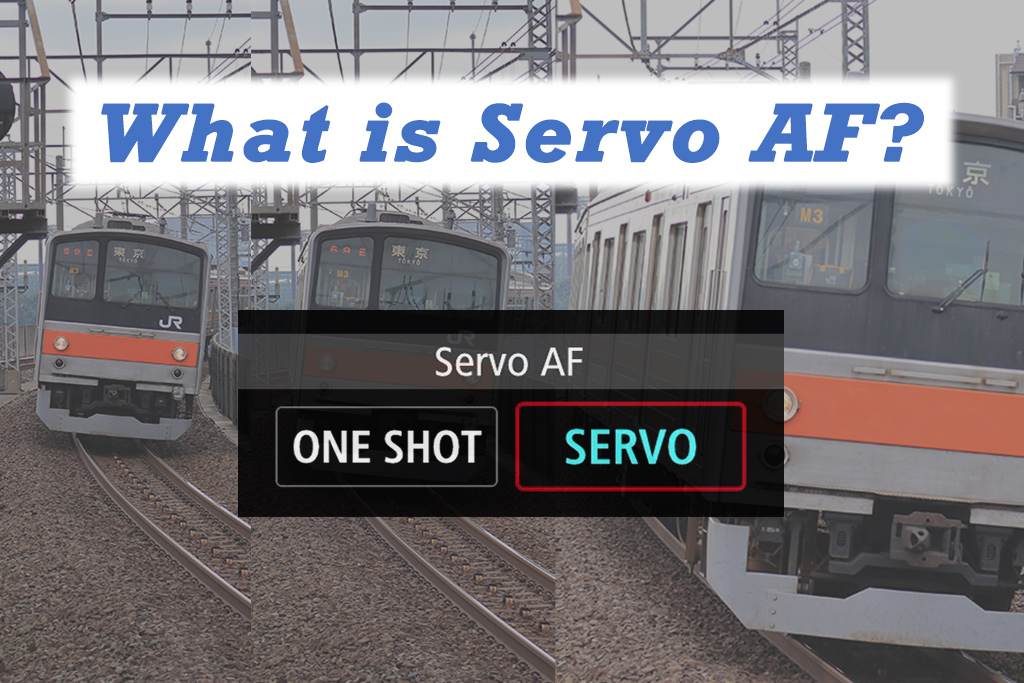
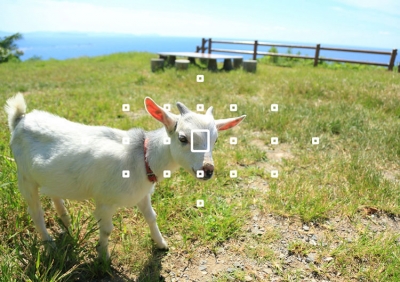
By default, your camera is set to One Shot AF. In this mode, once you half-press the shutter button and acquire focus (the white AF box turns green), the camera “locks focus” and stops looking for the subject. Even if the subject moves, as long as you keep the shutter button half-pressed, the green AF frame will stay in the same position in the image frame until you fully press the shutter to take the shot.
This is good for focusing on stationary subjects. But what happens when the subject is something that moves, such as active children, birds, or a train chugging by? You will want the AF to stay actively locked onto the subject even when it moves to a different position in the image frame.
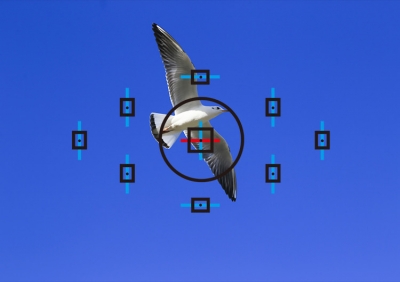
That’s when Servo AF mode comes in handy: It keeps following (tracking) the subject when the shutter button is half-pressed, all the way until you capture the shot.
Also see:
Camera Basics #9: AF Modes
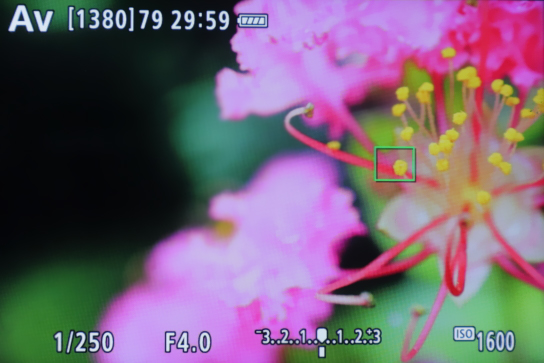
A close-up shot of flower with vivid yellow stamens. In this situation, focusing is easier with One Shot AF because the AF box stays in the same place once established, even when shooting at closest focusing distance with a shallow depth of field.
Tip: For focus that is even more precise, use 1-point AF and AF Frame Size - ‘Small’ just like I did for this shot, or Spot AF mode if your camera has it. You can tap the touchscreen to move the AF box to your desired position.
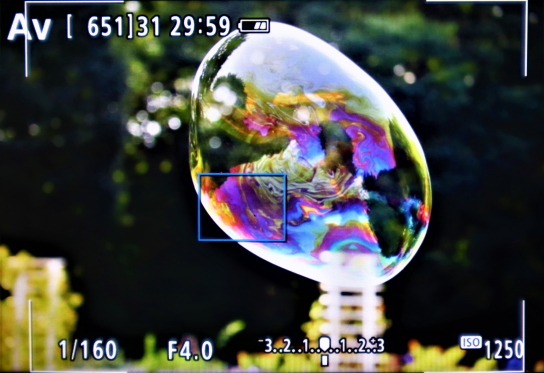
I used Servo AF to capture the image of a soap bubble that was constantly changing in shape as it was being carried by the wind. Despite the soap bubble’s translucency and unpredictable movement, the camera maintained focus on it. In Servo AF, when focus is established, the AF box turns light blue.
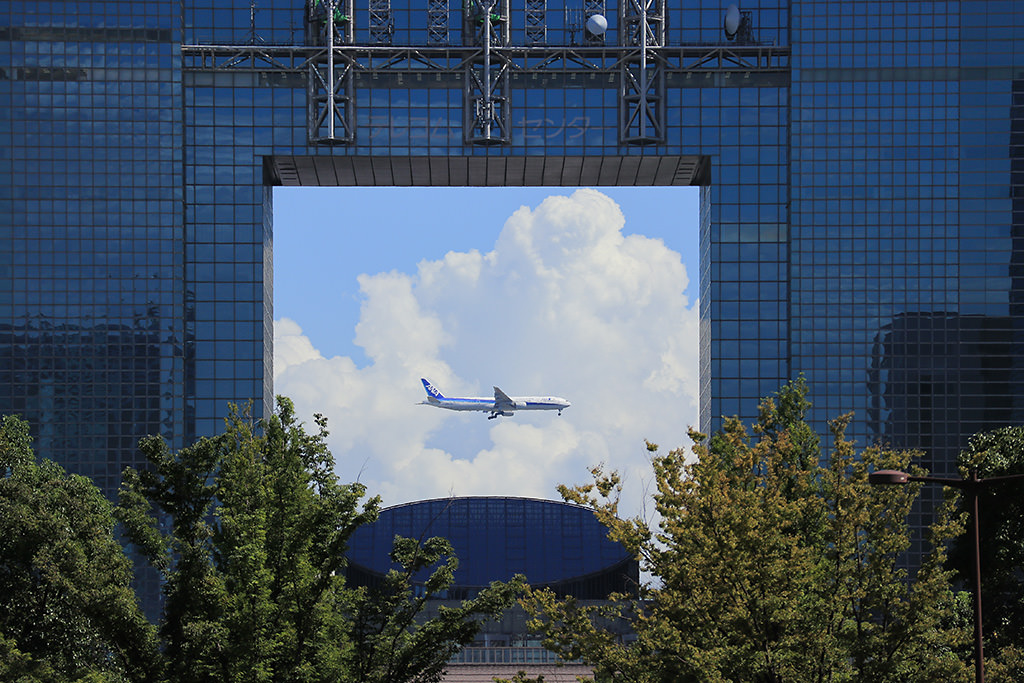
FL: 200mm (320mm equivalent)/ Aperture-priority AE (f/6.3, 1/1,250 sec, EV +0.3)/ ISO 100/ WB: Auto
After the plane entered the frame, I used Servo AF to track it and pressed the shutter button once the plane reached the centre of the frame. The camera kept the subject in sharp focus.
Servo AF not only maintains focus on the subject while the shutter button is half-pressed, it also takes time lag into account by predicting the movement of subjects in motion. It works especially well for subjects that move in a predictable direction, such as trains, and cars, and is effective even for subjects that move towards or away from the camera.
Predicting subject movement also helps the camera to keep accurate focus on subjects during high-speed continuous shooting.
Also see:
Shutter Modes & Continuous Shooting Modes: When to Use Which?
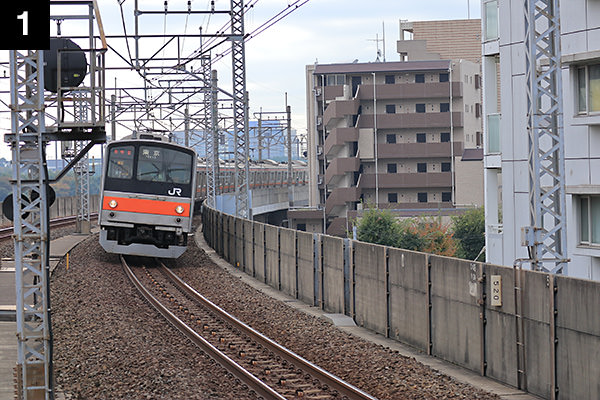
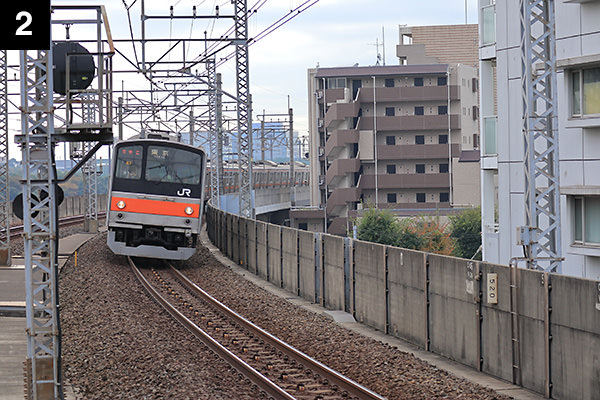
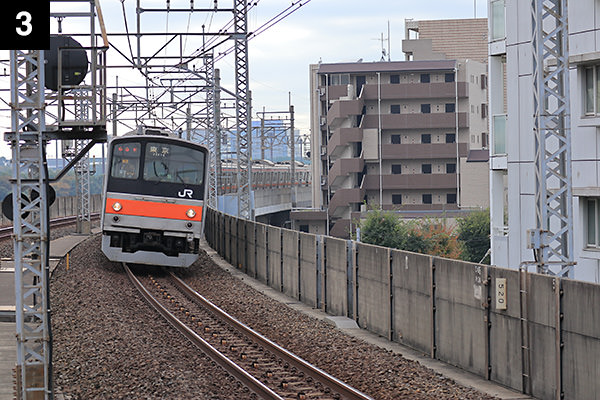
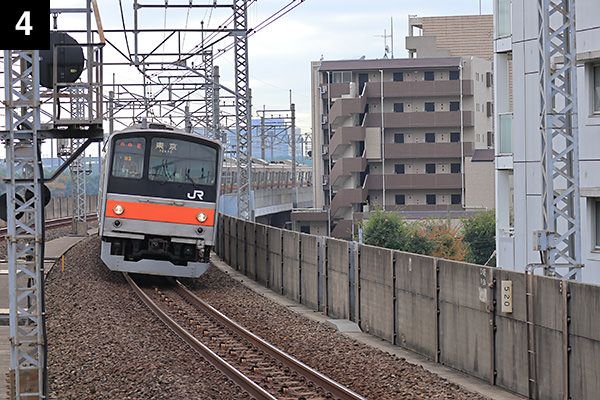
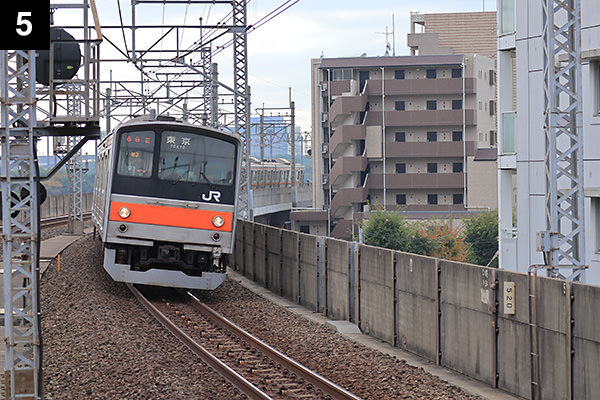
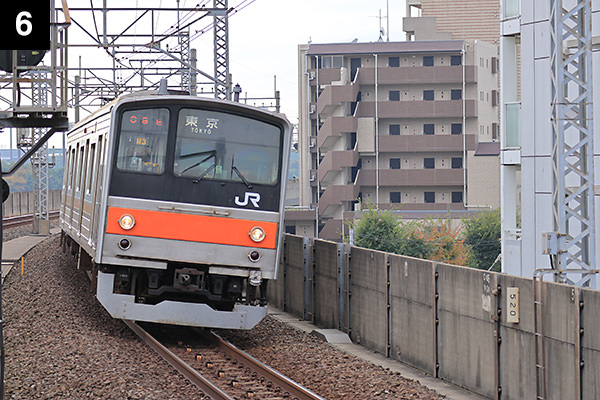
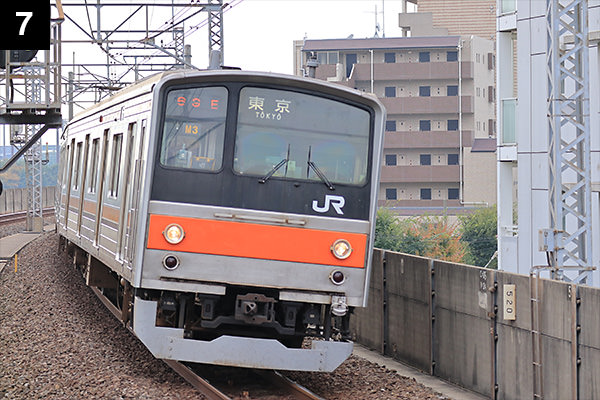
FL: 70mm (112mm equivalent)/ Shutter-priority AE mode (f/5, 1/640 sec, EV +0.3)/ ISO 160/WB: Auto
When using Servo AF, the camera continued to focus on this approaching train in this string of continuous shots.
Configuring Servo AF
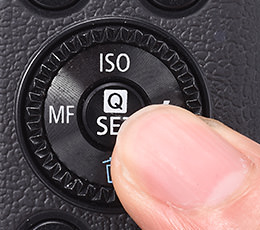
1. Press the [Quick Set menu] button.
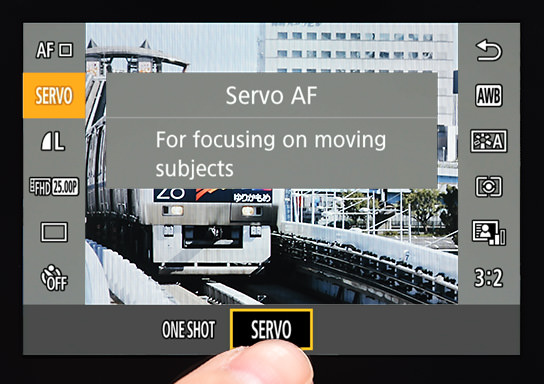
2. Select “SERVO” in the AF mode.
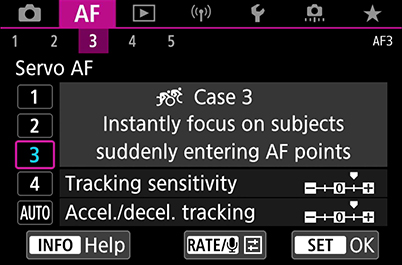
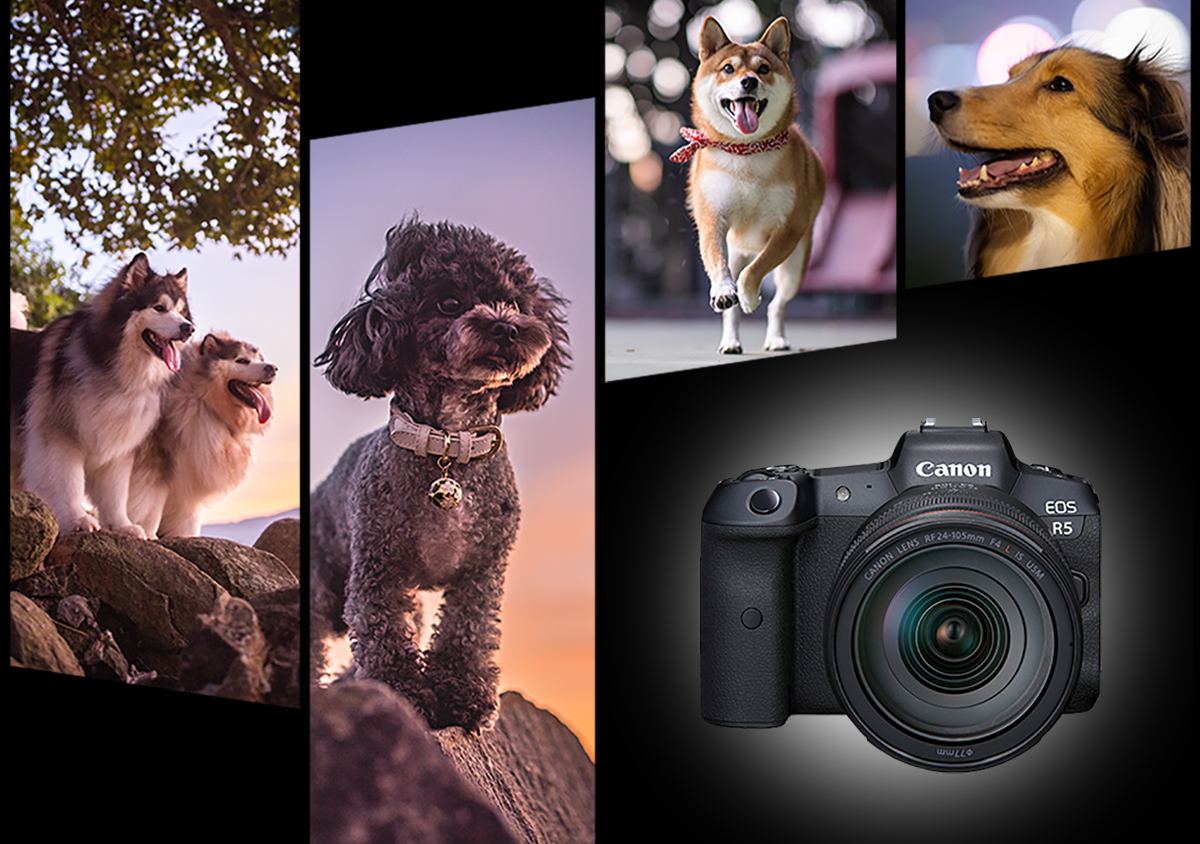
Advanced cameras have a separate camera menu tab for AF settings. Here, you will find menu options that let you customise how Servo AF behaves when tracking subjects. The default setting should work well for most scenes, but if you are shooting specific scenes or challenging subjects (such as sports, birds in flight, or energetic dogs), further customisation will help improve your chances of achieving a successful shot.
Receive the latest update on photography news, tips and tricks.
Be part of the SNAPSHOT Community.
Sign Up Now!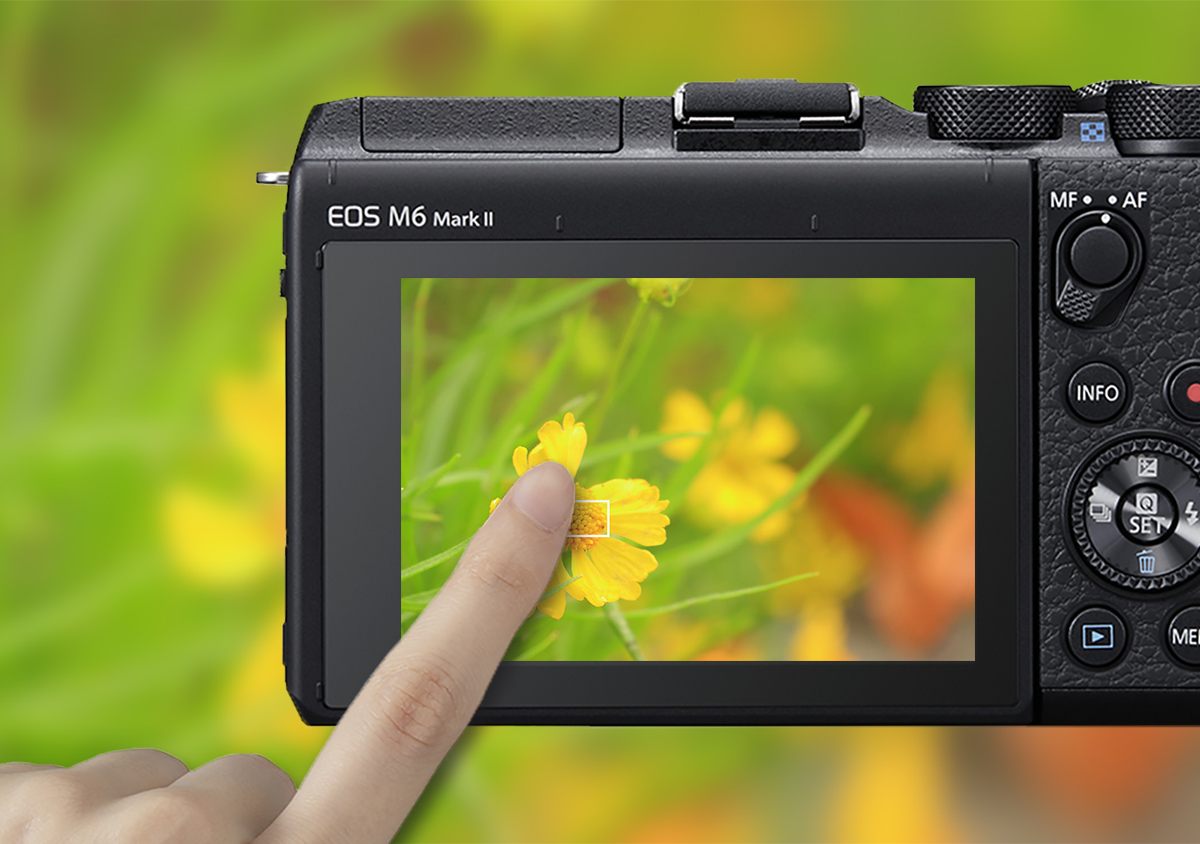



Join the Conversation