EOS R50 V: Real vlogs, real you
Beginner
Short Description
.png.webp)
- 1
- 0
- 0
Short Description
As a video-centric camera, EOS R50 V prioritises features that enhance the quality and ease of video recording.
New Design
| Vertical mount | In addition to the usual location, another tripod mount is available on the side of the camera, making vertical shooting more convenient. |
| Tally lamp | Located prominently on the camera, it acts as a visual confirmation to indicate the status of recording. |
| Front recording botton | An additional record button is placed at the front of the camera for eas of shooting when in front of the camera. |
| Mode dial | A video-focused mode dial that allows you to set up video settings quickly and switch between video and stills shooting easily. |
| Zoom lever | When paired with lenses with built-in power zooming, you can control the zoom speed via the zoom lever on the camera for a smoother zoom effect. |
Advanced Video Capabilities
| Slow & Fast Motion Movie mode | Available directly on the mode dial, you can instantly shoot slow motion up to 5x slower, or fast motion up to 60x faster in both 4K and Full HD. |
| Special scene mode | Make your videos look good effortlessly. Choose from 3 scene modes with tailored settings to suit your scene: - Smooth Skin Mode - Movie for Close-up Demo Mode - Movie IS Mode |
| Professional Movie UI | Multiple professional video display settings available: Zebra Display, False Colour and Level Display |
| Canon Log 3 | Shoot in C-Log 3 and colour grade like a pro. C-Log 3 captures a wide dynamic range and suppresses noise in dark areas, which gives you more flexilibity and creative freedom during post production. |
| Instant Livestream | A new livestreaming button provides direct access to the livestreaming menu. Users can choose from 4 live streaming methods to suit their needs. |
1
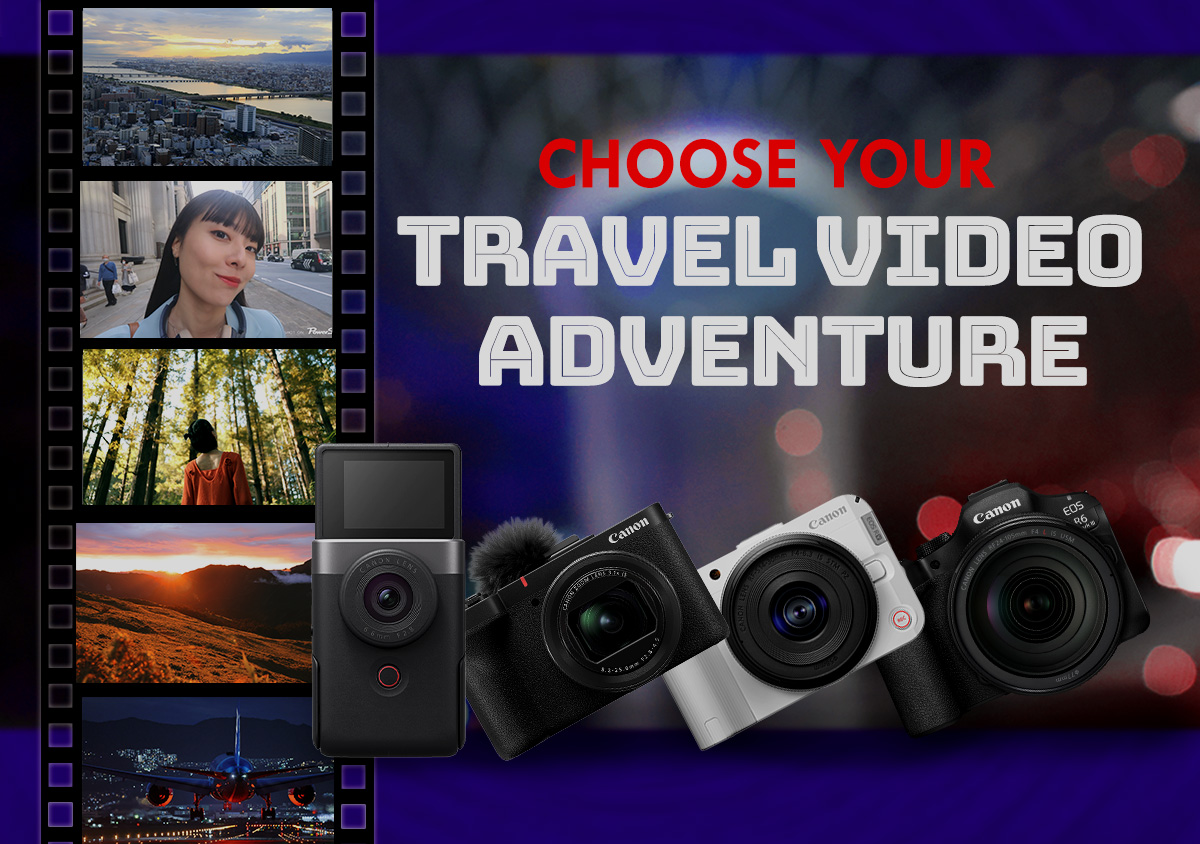
Choose the camera that fits your travel video style.
2

Video-first ergonomics, interfaces, and features make the EOS R50 V a vastly different interchangeable lens camera from the usual.
3

Create dynamic videos with Canon’s first lens to feature a built-in power zoom.
4
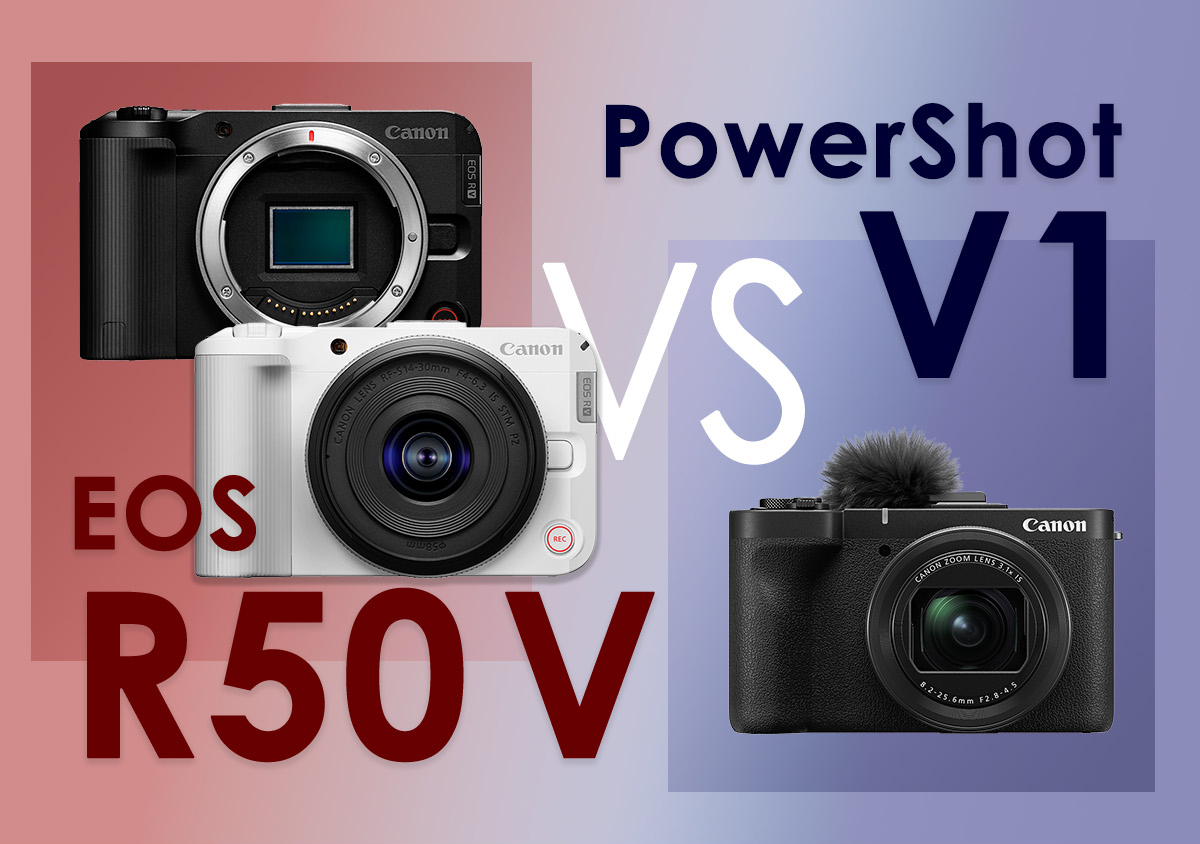
Which is the best content creation and vlogging camera for you? Read on and decide!
5

With so many choices, how do you choose a camera that works best for you? Here’s what you should consider.
Join the Conversation