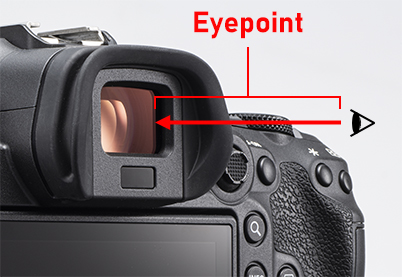
What is the eyepoint?
This refers to the longest possible distance between the viewfinder and your eye. It is often measured from the eyepiece lens (the one closest to your eye), although this depends on the manufacturer. The detailed specifications of a camera should provide more details. For example, on the EOS R5, the eyepoint is measured “-1m-1 from the eyepiece lens end”.
Answer: Yes, it does if you wear glasses. A higher eyepoint will improve your view
When you wear glasses, they add distance between your eyes and the viewfinder. An eyepoint that’s too short would cause the outer edges of the display image to appear vignetted.
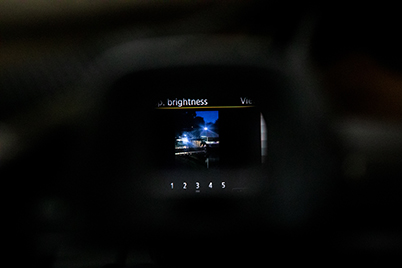
It’s not as bad as in the image above, but still enough to affect your view!
The good news is that you shouldn’t experience any issues as long as the viewfinder eyepoint is at least 20mm. In fact, most cameras nowadays have an eyepoint of around 23mm. But this also depends on the glasses that you wear and how you hold the camera, so it’s best to try it out for yourself. The eyepoint height shouldn’t affect you if you wear contact lenses or don’t use any visual aids at all.
What to do if the corners of the EVF image look vignetted?
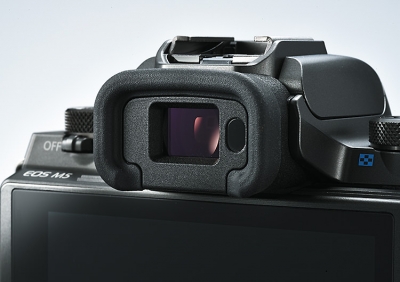
On Canon mirrorless cameras, there are two viewfinder display formats:
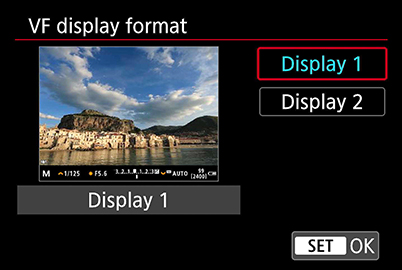
On Display 1, which is the default, the image takes up the entire viewfinder display panel.
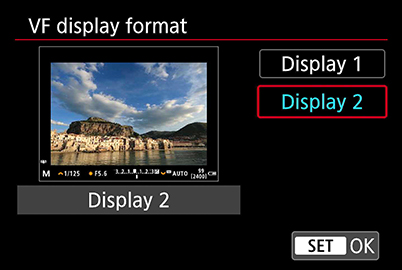
Display 2 shows a slightly smaller image.
I wear glasses, and frequently use Display 2 on my EOS R5. Although the preview image is slightly smaller, the corners aren’t affected by the vignetting caused by wearing glasses, and it’s still big enough to check my composition. I also don’t have to shift my line of sight around as much, so my eyes don’t tire as easily during the shoot.
Find out more about customising your EVF in this article
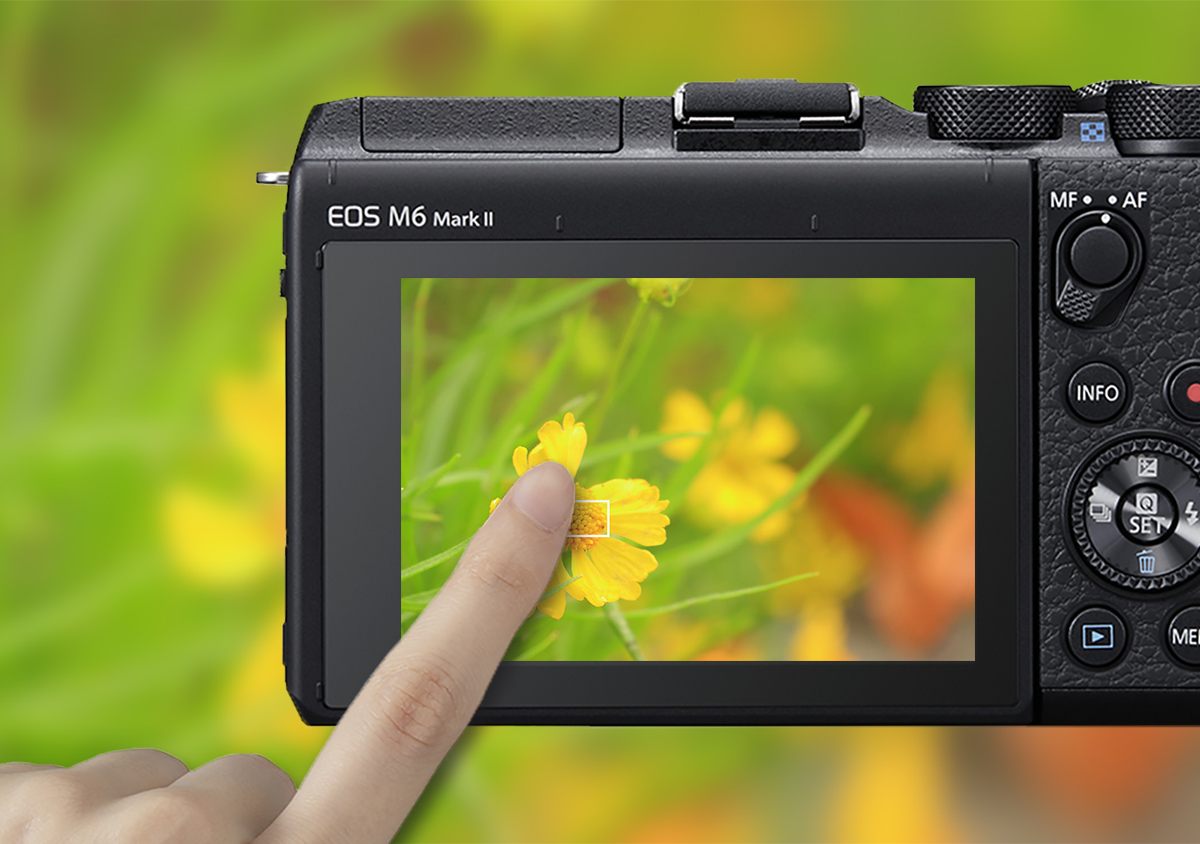
If you’re an EVF shooter, enable Touch & Drag AF for intuitive control over autofocusing using the touchscreen! Find out more in:
Touch & Drag AF Customisations for Better EVF Shooting
You may also be interested in:
7 Things to Consider When Choosing Your First Canon Camera
Can A Fast Lens Really Make It Easier To See Through The Viewfinder?
5 Basic EOS R5/ EOS R6 Settings to Customise From the Start



Join the Conversation