What’s the Difference Between RF-S and RF Lenses?
Beginner

- 0
- 0
- 0
Canon makes two types of lenses for EOS R series mirrorless cameras: RF lenses and RF-S lenses. Both of them fit on any EOS R series mirrorless camera—so what makes them different? Read on to find out.

| RF lenses | RF-S lenses |
| Designed for cameras with full-frame image sensors | Designed for cameras with APS-C image sensors |
| Larger image circle | Smaller image circle |
| RF lenses | RF-S lenses |
| Designed for cameras with full-frame image sensors | Designed for cameras with APS-C image sensors |
| Larger image circle | Smaller image circle |
RF lenses are designed for full-frame cameras such as the EOS R8, R6 Mark II, R5, and R3.
Meanwhile, RF-S lenses are designed for APS-C (cropped sensor) cameras such as the EOS R100, R50, R10, and R7.
You can think of the “S” in RF-S to mean “small image circle”.
Why does it matter?
RF and RF-S lenses can be attached to any EOS R series camera regardless of its image sensor size. However, the final image’s field of view and recorded image resolution will be different. How exactly depends on the lens-camera combination. We will explore that later in the article.
As RF-S lenses are designed to cast a smaller image circle, they can also be made smaller and lighter than RF lenses.

RF/RF-S lenses will not fit EOS DSLR cameras or EOS M series mirrorless cameras. This is because the lens mount is different. EOS DSLRs use the EF mount, and EOS M series cameras use the EF-M mount.
What is the image sensor?

The image sensor is the part of the camera that gathers light to form images. On Canon mirrorless cameras, this sensor is either of two sizes (formats): full-frame or APS-C format.
The size difference between APS-C and full-frame image sensors

Full-frame sensor: approx. 36 x 24mm
APS-C sensor: approx. 22.3 x 14.9mm
For more details on how the image sensor format affects your images, see Full-Frame vs APS-C Camera: Which Should I Choose?
How does this affect the lens?
Light entering the lens projects a circular image onto the image sensor. We call this the “image circle”. As an APS-C sensor is smaller than a full-frame sensor, the image circle cast by an RF-S lens does not need to be as big to cover the whole sensor compared to an RF lens.

This means smaller-diameter glass can be used to build the lens, enabling smaller, lighter lens bodies.
The 1.6x APS-C crop

At any given lens focal length, the smaller APS-C image sensor records a narrower part of the scene than a full-frame image sensor. This makes the resulting image look more “zoomed in” or “cropped”.
On Canon APS-C cameras, this zoomed-in image’s angle-of-view is the same as an image shot at 1.6x the focal length on a full-frame camera. It’s known as the “1.6x crop effect”, and also applies to images shot with RF-S lenses on full-frame cameras like the EOS R8.
Let’s take a look at what happens with different camera-lens combinations.
- APS-C EOS R series camera (EOS R100, R50, R10, R7, etc.)
- Full-frame EOS R series camera (EOS R8, RP, R6 Mark II, R5, R3, etc.)

APS-C camera, RF-S lens
The RF-S lens projects an image circle that is just big enough to cover the APS-C image sensor.
Image angle of view: 1.6x crop effect
Max. recorded image resolution: Same as the image sensor
APS-C camera, RF lens
The RF lens projects an image circle much larger than the RF-S lens. You still get the same image as on an RF-S lens, i.e., with the 1.6x crop effect. However, the image information from the “extra” parts of the image circle (light red in the image above) isn’t utilised.
Image angle of view: 1.6x crop effect
Max. recorded image resolution: Same as the image sensor

Full-frame camera, RF lens
The RF lens projects an image circle that fully covers the full-frame image sensor.
Image angle of view: Same as the focal length
Max. recorded image resolution: Same as the image sensor
Full-frame camera, RF-S lens
The RF-S lens projects an image circle too small to cover the full-frame image sensor.
As the parts of the sensor not covered by the image circle don’t receive any light information, the corresponding corners of the image would normally appear black. However, your EOS R series full-frame camera automatically switches to 1.6x crop mode when it detects that an RF-S lens is attached. In other words, you automatically get more reach!

A: RF-S lens image circle
B: 1.6x crop mode recording area
C: Full-frame image sensor
1.6x crop mode
In this mode, a smaller area of the image sensor (B) is used to record the image.
Image angle of view: 1.6x crop effect
Max. recorded image resolution: Smaller than the image sensor (corresponds to B).
The image resolution captured by in area B depends on the camera. If your camera has more megapixels, area B will record higher resolution images. For example:
| Maximum still image resolution | EOS R5 | EOS R6 Mark II |
| Full-frame mode (3:2) (Recording area: Full image sensor) | 8192 x 5464 (approx. 44.8MP) | 6000 x 4000 (24MP) |
| 1.6x crop mode (Recording area: B) | 5088 x 3392 (approx. 17.3MP) | 3744 x 2496 (approx. 9.3MP) |
| Maximum still image resolution | EOS R5 |
| Full-frame mode (3:2) (Recording area: Full image sensor) | 8192 x 5464 (approx. 44.8MP) |
| 1.6x crop mode (Recording area: B) | 5088 x 3392 (approx. 17.3MP) |
| Maximum still image resolution | EOS R6 Mark II |
| Full-frame mode (3:2) (Recording area: Full image sensor) | 6000 x 4000 (24MP) |
| 1.6x crop mode (Recording area: B) | 3744 x 2496 (approx. 9.3MP) |
| Full-frame camera | APS-C camera | |
| RF |
|
|
| RF-S |
|
|
| Full-frame camera | APS-C camera | |
| RF |
|
|
| RF-S |
|
|
| Full-frame camera | APS-C camera | |
| RF |
|
|
| RF-S |
|
|
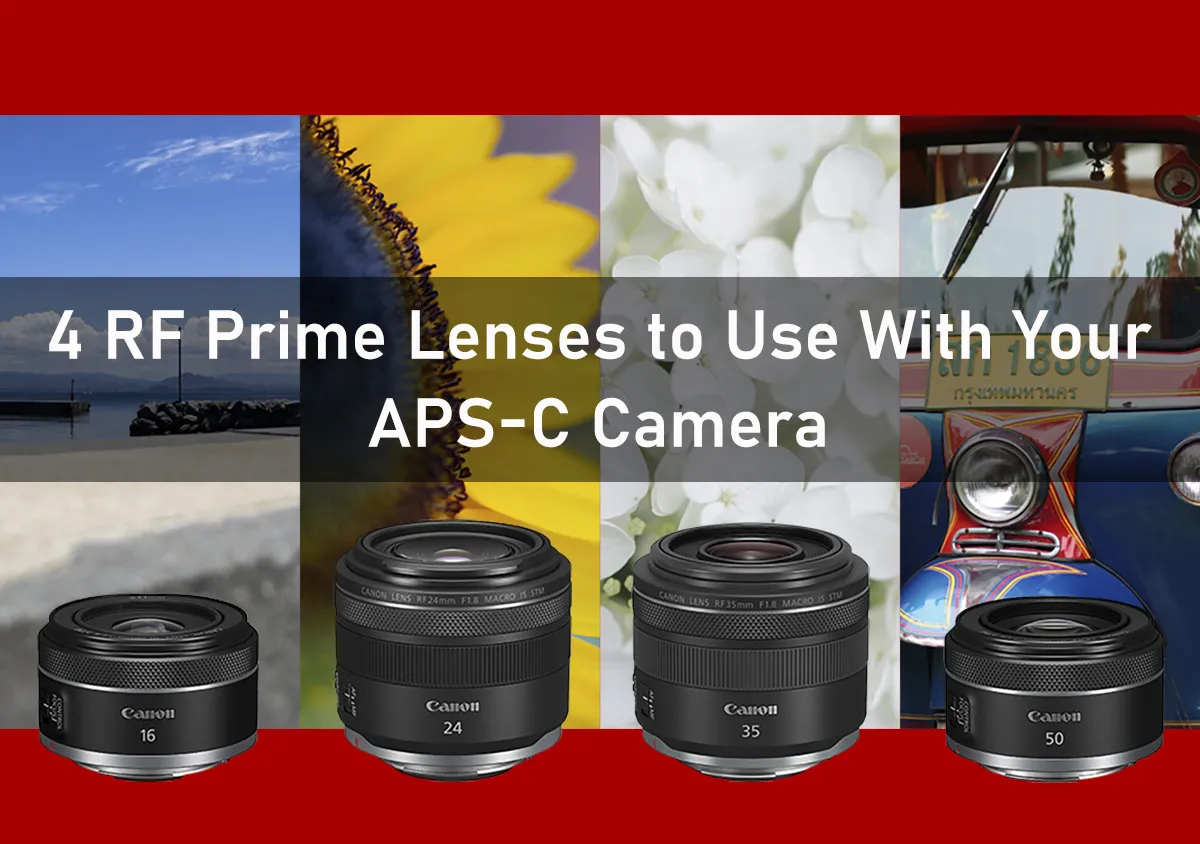
Lightweight and compact RF lenses
These also go well with APS-C cameras!
Travel-friendly RF-S lenses
These will form a lightweight combination with full-frame EOS R series cameras, too.

RF-S18-150mm f/3.5-6.3 IS STM
(28 to 240mm equivalent)




Join the Conversation